Can you learn how to make money with ClickBank without a website? Yes. ClickBank lets you sell your own digital product or promote someone else’s with an affiliate link, and neither option needs a blog of your own.
Most people who get into affiliate marketing build a niche website first. I used that same approach for chefgadgetgenius.com, where I promote kitchen gadgets through Amazon. But a site takes months before Google sends you anyone, so ClickBank without a website is a shortcut worth knowing about. As long as you know where your traffic will come from.
ClickBank is one of the biggest marketplaces for digital products: courses, ebooks, software and also supplements. What matters here is that you can start earning a passive income even if you don’t have a website, because the vendor already has the sales page. Your job is to send people to it.
Below I’ll show you how to make money with ClickBank without a website, step by step: how to get to the ClickBank marketplace, how to pick an offer and how to promote ClickBank products without a website. I haven’t sold on ClickBank myself, so the fees and screens come from ClickBank’s own help center and blog, checked in October 2026.
*Disclosure: I only recommend products I would use myself, and all opinions expressed here are my own. This post may contain affiliate links that at no additional cost to you, I may earn a small commission.
What is ClickBank, and How can you Make Money from it?
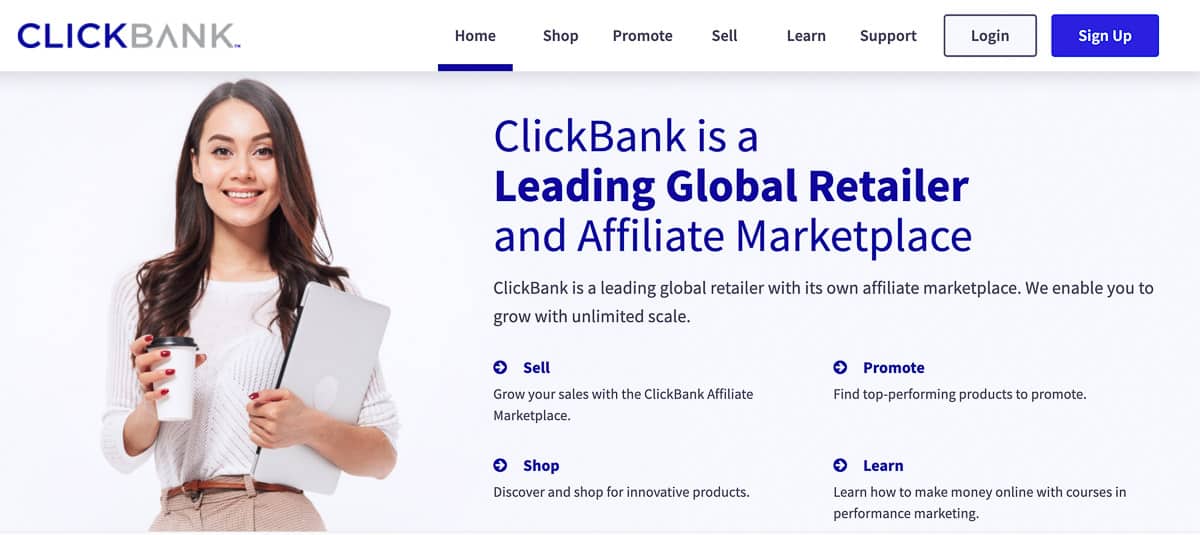
ClickBank is an affiliate marketplace for digital products (and some physical ones, like supplements). Vendors list their products in the ClickBank Marketplace, affiliates promote them for a commission, and ClickBank processes the payment and pays both sides. It’s popular, too: according to Google Ads data for the US (October 2026), “clickbank” gets around 27,100 searches a month and “clickbank marketplace” another 590.
You can make money on it in 2 ways:
- Selling your own product.
- Promoting other people’s products as an affiliate.
If you go the vendor route, the affiliates do the promotion for you. Your product shows up in the marketplace, and anyone with an audience anywhere in the world can pick it up and sell it. Strictly speaking, you still need a sales page for the product. But one page is a long way from a blog with 50 articles, so this still counts as one answer to how to make money with Clickbank without a website.
The affiliate route is simpler. You choose the products you want to promote, share your link and get a commission for every sale you refer.
Let’s go through each one.
How to Make Money from ClickBank without a Website.
Method 1 can pay more, because you keep the biggest part of every sale. Method 2 is easier to start with, because you don’t have to create anything. Which one is for you? If you have no product and no budget, start with method 2.
The first way to earn money with ClickBank without a website is to list your own product on the network. Obviously, you need a product first.
No product yet? There’s a faster route than you’d think: use drop servicing to get one made. Do some niche research to find topics people already pay for. Then hire a freelancer to create the product for you, like an ebook or a short course. Once it’s ready, you list it on Clickbank and let the affiliates sell it.
Business and education ebooks are some of the easiest products to create. The real benefit of the network is reach. Affiliates and influencers can put your product in front of audiences you would never get to on your own.
I cover the ebook method and a few others in this post on how to make money without a website with affiliate marketing. If you have never built a product, read this Digital Product Creation Guide: From Zero To Hero.
Step#1. Go to Clickbank and hit the “Join Clickbank” button.
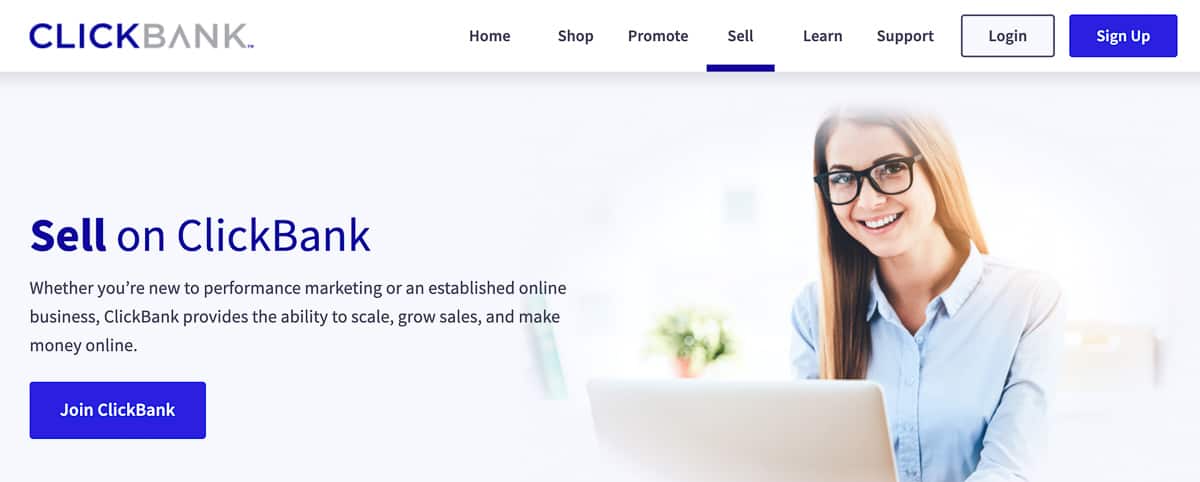
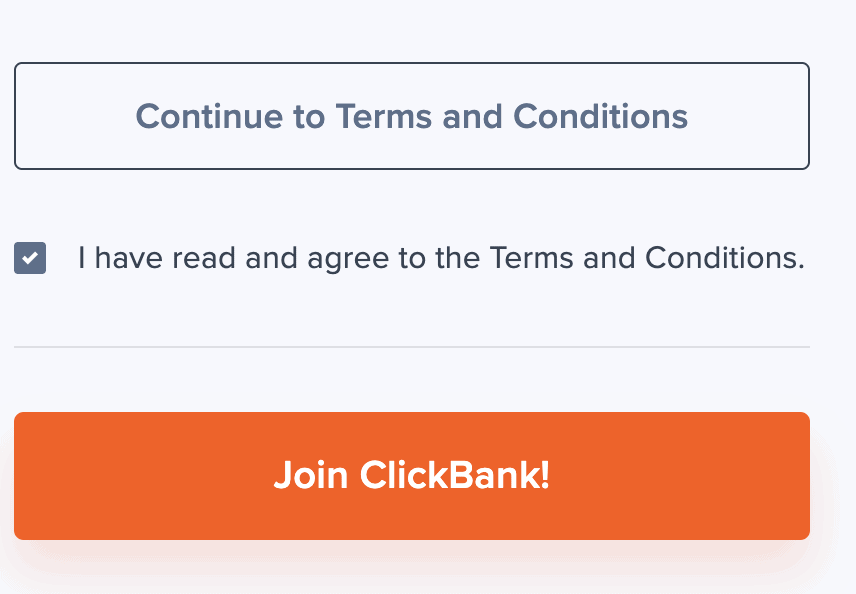
Step #2. Fill out the form, accept the terms and click on “Join Clickbank” again.
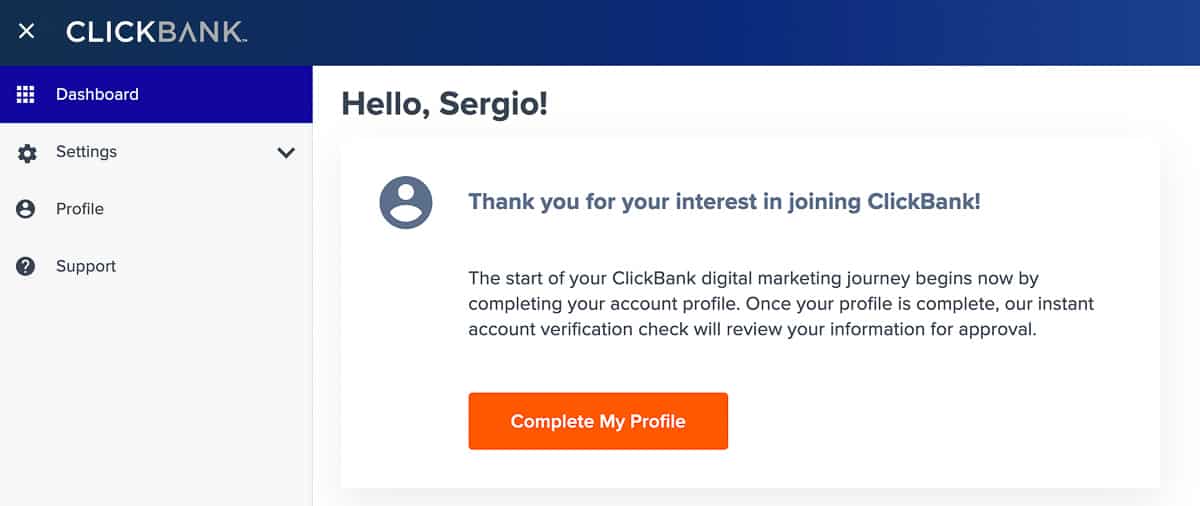
Step #3. Complete your profile.
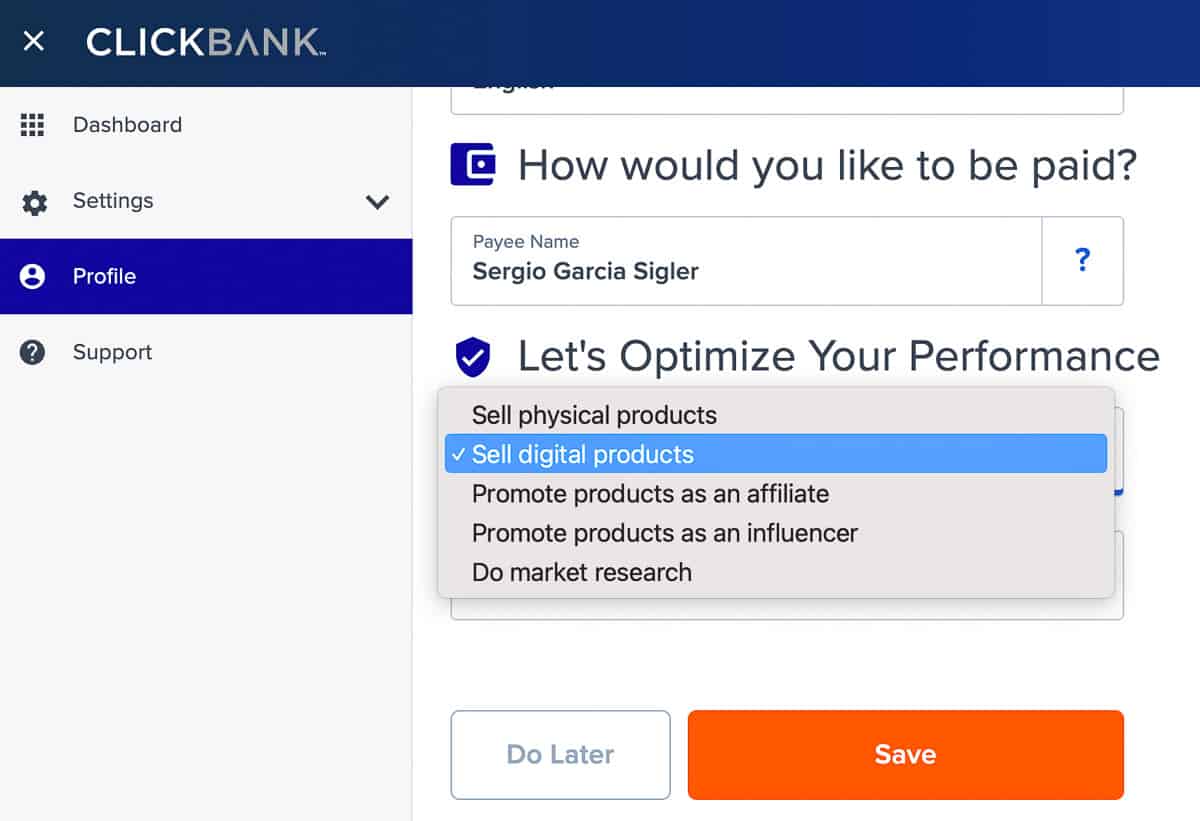
Step #4. Add the information for selling products and click “Save.”
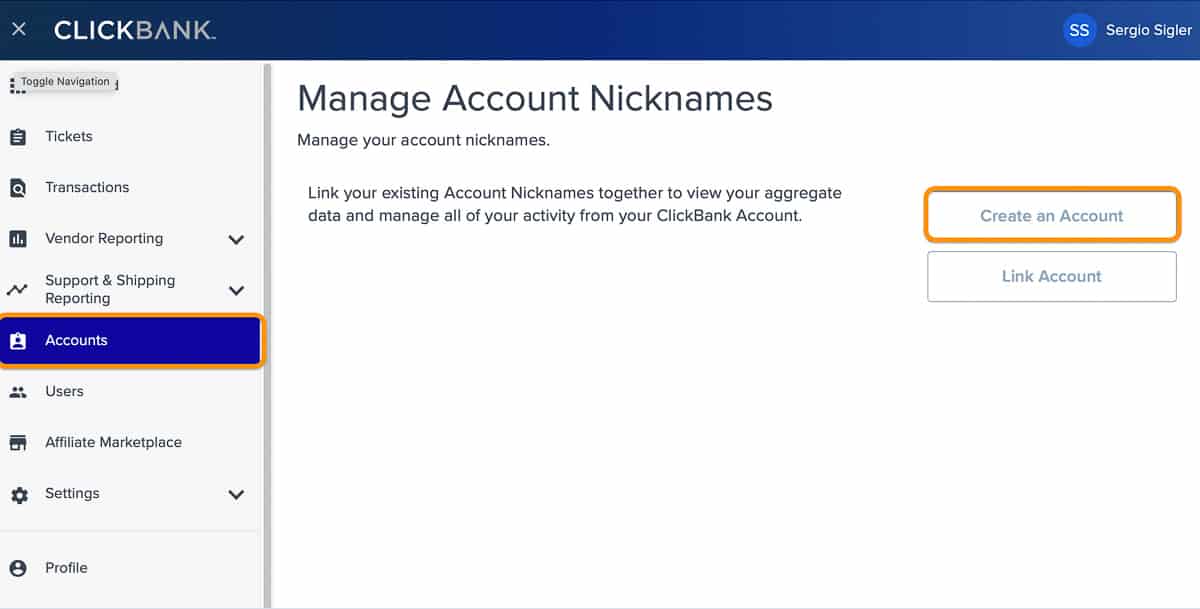
Step#5. You’ll land on your dashboard. In the left panel, click on Account and then on “Create Account.“
Step#6. Choose your account type, pick a nickname and click “Sign Up.”
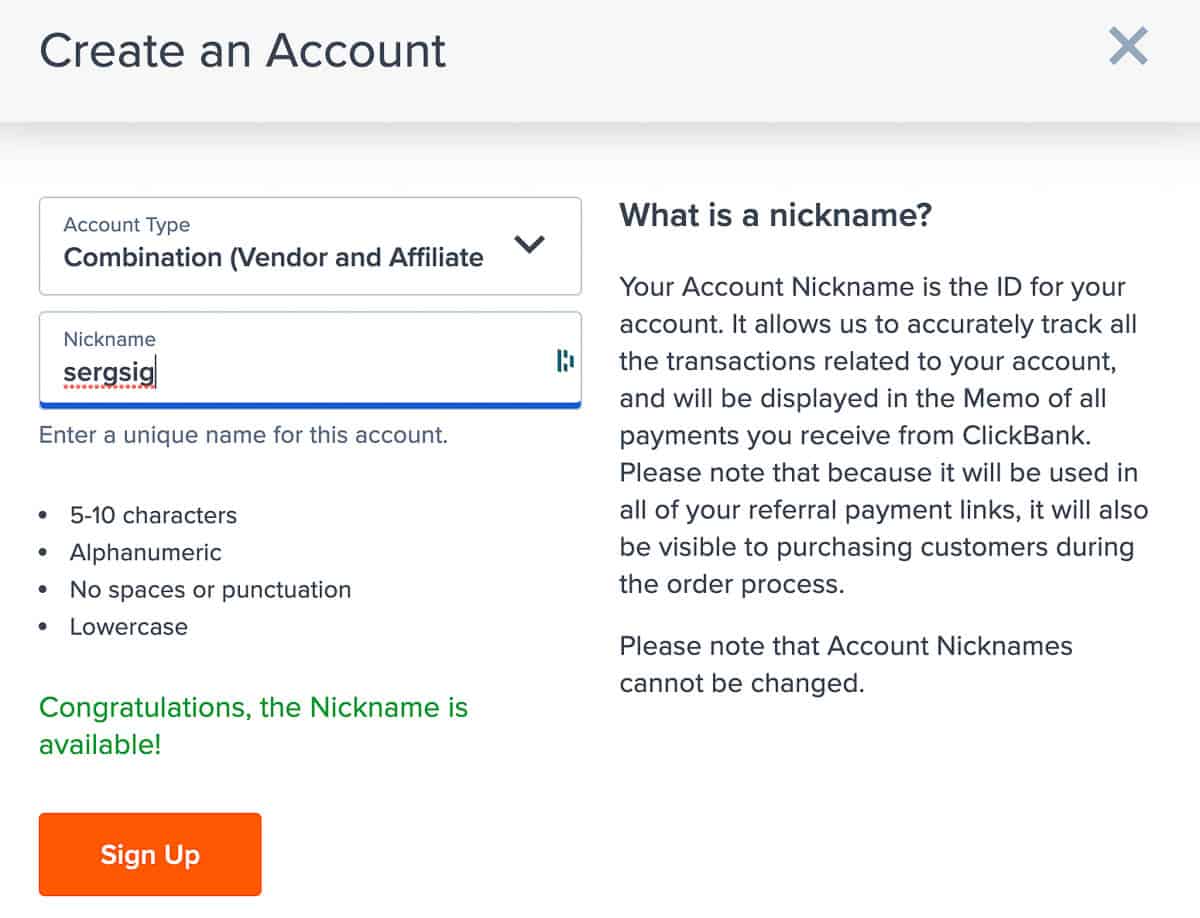
Step #7. Click on your nickname to open the vendor dashboard.
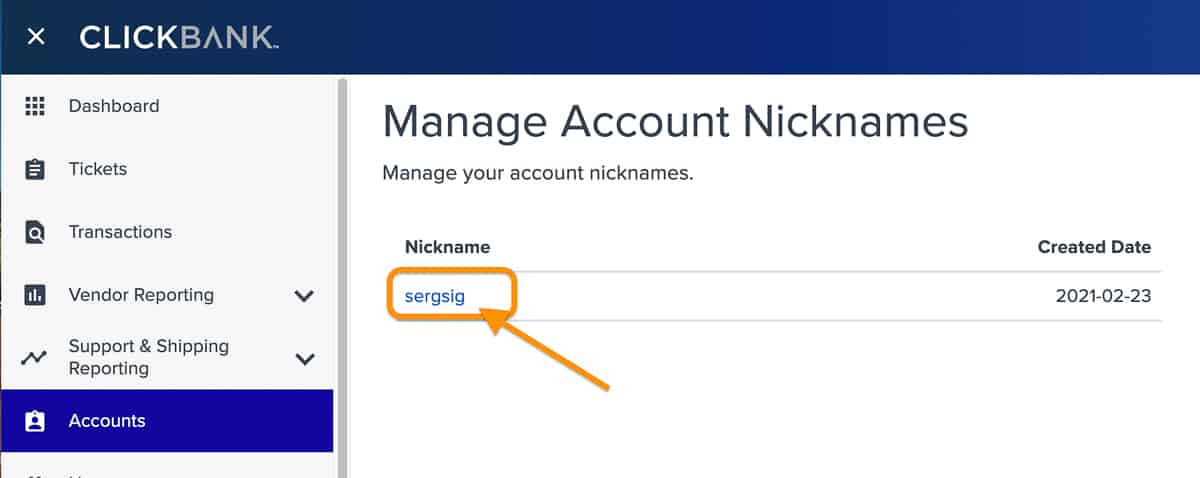
Step #8. Click “Vendor Settings” in the top menu.
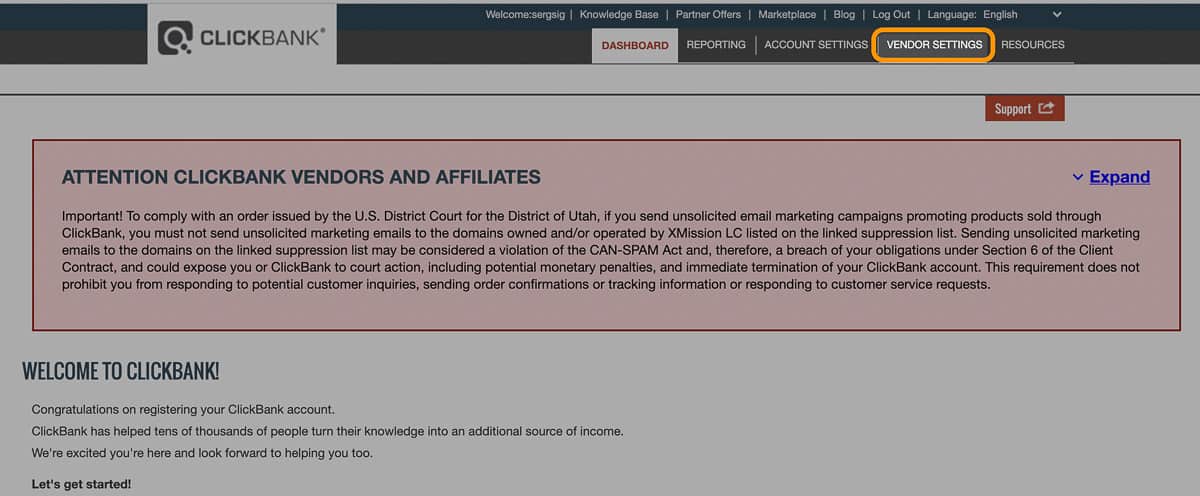
Step #9. Click on “Add New Product.”
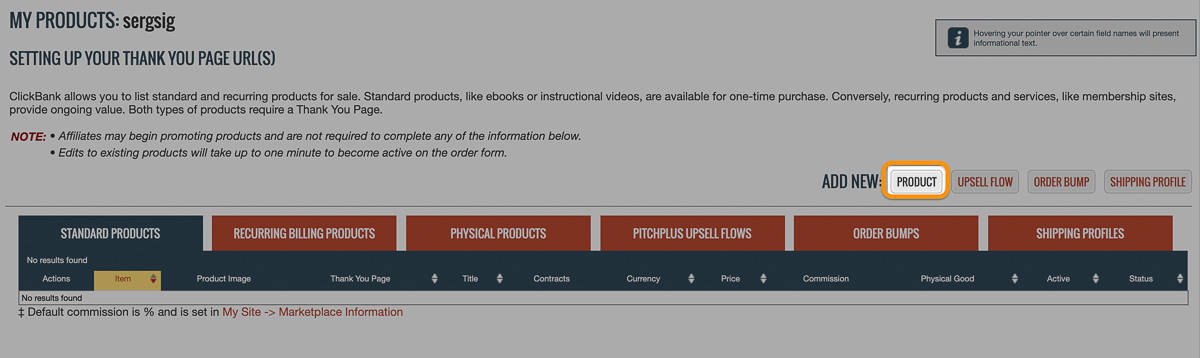
Step #10. Fill in the product information and click “Submit and continue.”
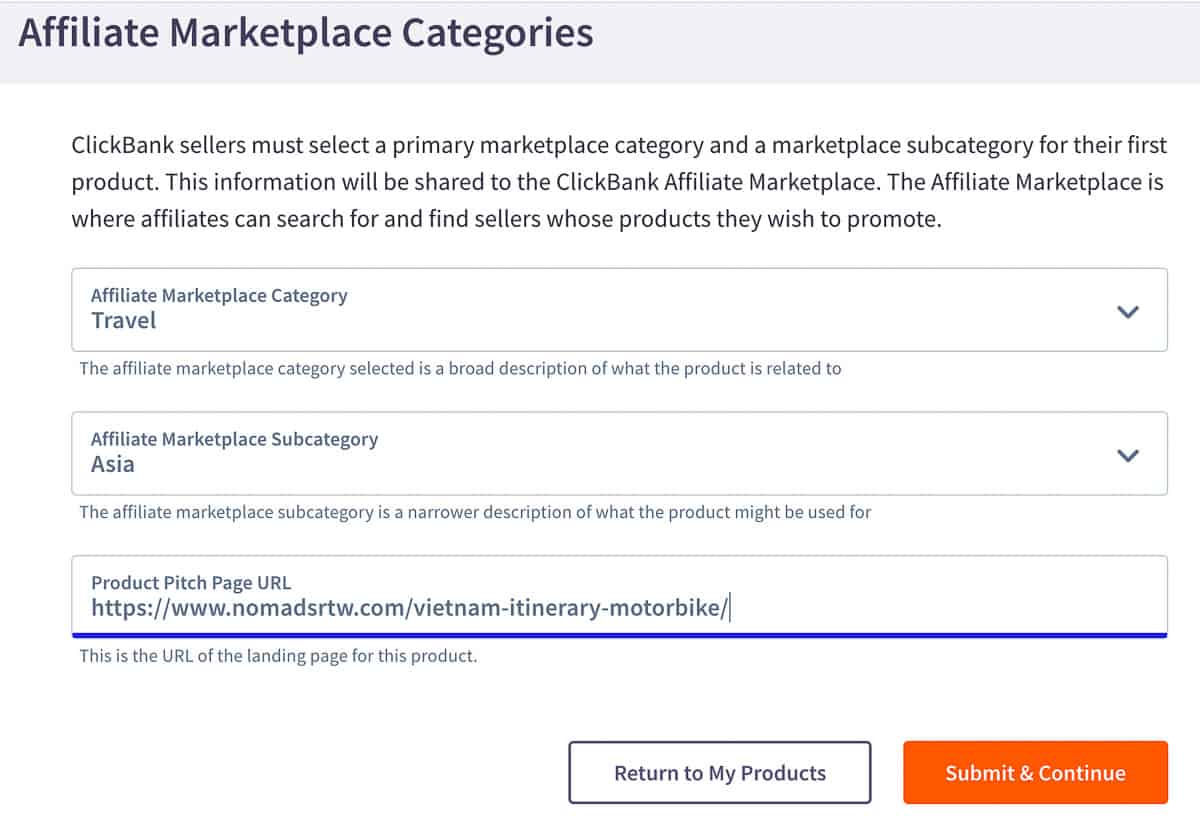
Step #11. Add the product details, the price and the affiliate commission. When it’s all ready, click “Submit for review” and wait for approval.
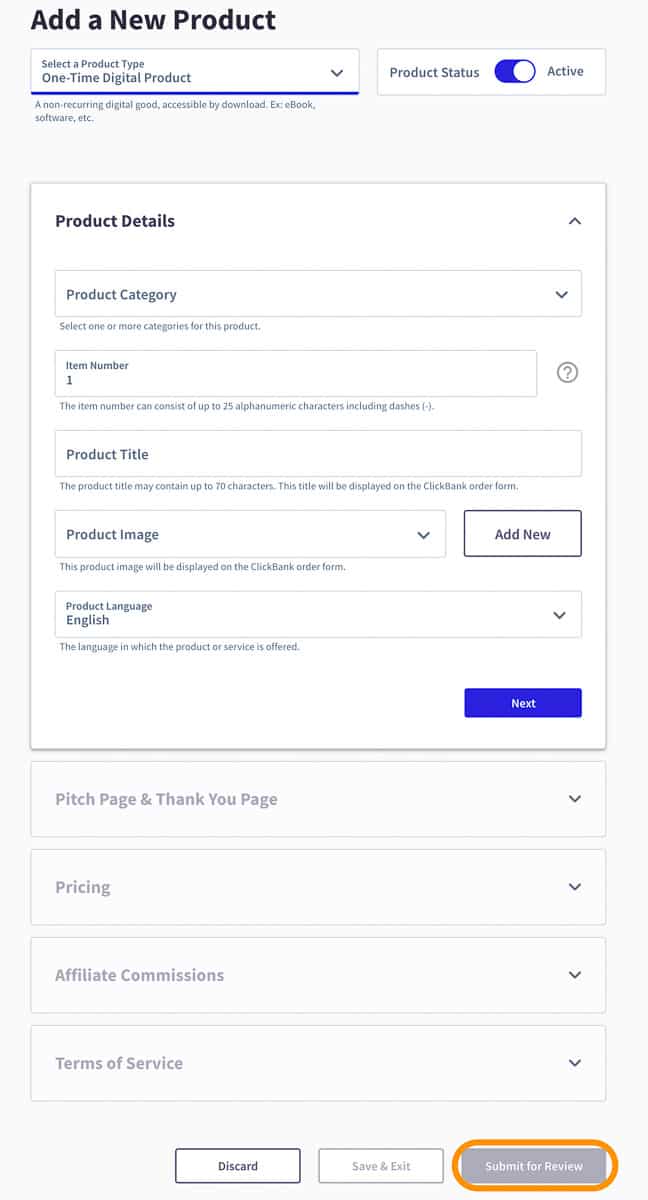
Once ClickBank approves it, affiliates can grab their links and start promoting your product. That’s the first method on how to make money with Clickbank without a website.
How do these affiliate networks make money? They take a cut of every sale.
On top of that, you decide how much commission your affiliates get.
If you want people to promote your product, you have to give them something in return. ClickBank calls it revenue share: a percentage of each sale. The default is 25%, and you can change it for each product. The higher the commission, the more affiliates will give your offer a try.
As for ClickBank fees, I checked their help center in October 2026. There’s a one-time activation fee of $49.95 when your first product is approved, and after that ClickBank keeps 7.5% + $1 of every sale. They also charge $5 for each payment they send you. There’s no monthly fee.
Let’s say you create an ebook and sell it for $14.99. Clickbank takes $1 + $1.12 = $2.12, which leaves $12.87. The affiliate commission is calculated on that net amount, so with a 40% commission your affiliate gets $5.15 and you keep $7.72 per sale. Not bad for something you only create once.
What you make in the end depends on your product’s final price, the commission and the number of people your affiliates reach. But you get the idea.
The second way is promoting other vendors’ products as an affiliate. If you’re wondering how to use ClickBank without a website, this is the usual answer.
Opening an affiliate account is free, so this is how you earn money with ClickBank without any investment. Your only cost is time (or an ad budget, if you go for paid traffic later). To create the account, follow steps #1 to #6 from method 1.
Once you’re in your dashboard, this is how to get to the ClickBank marketplace:
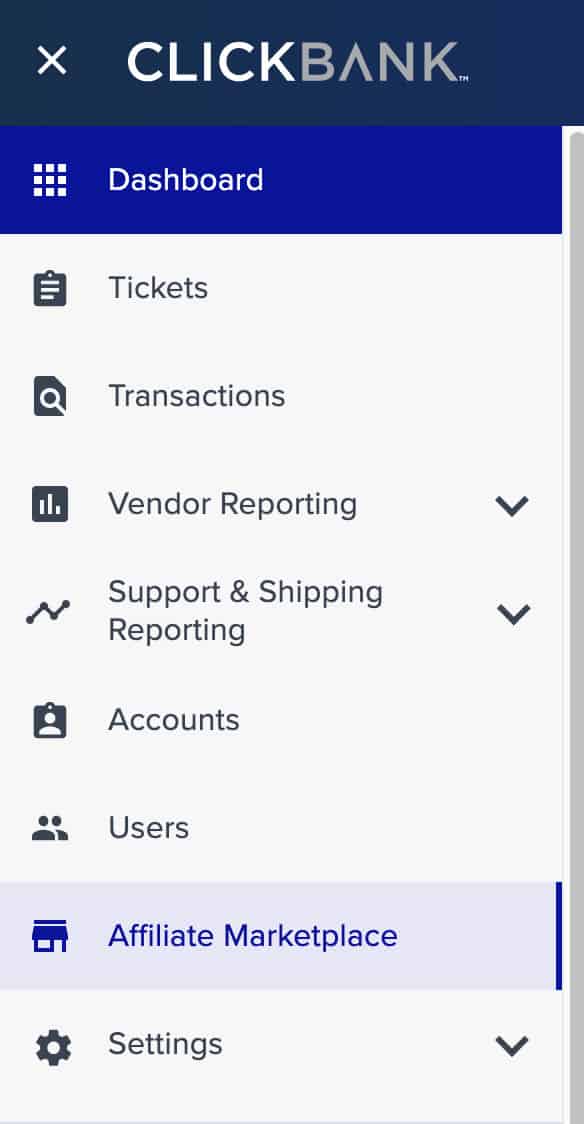
Step #1. Click on “Affiliate marketplace” in the left panel (the little store icon; newer dashboards also have “Marketplace” in the top menu). From there you can browse the categories or search by keyword.
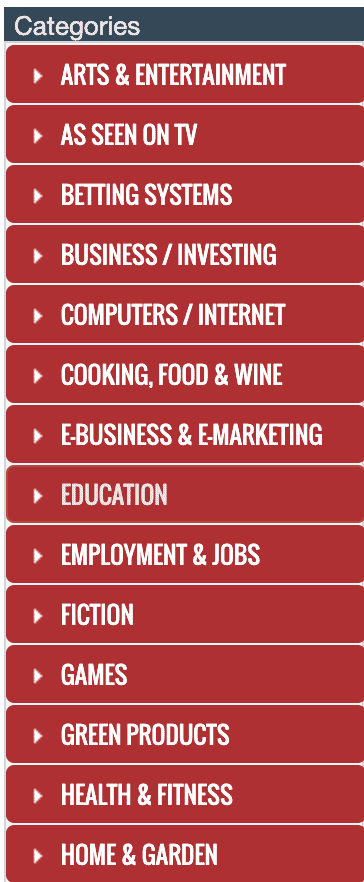
Step #2. Pick a category. ClickBank marketplace categories go from Business/Investing and E-business & E-marketing to Health & Fitness, Self-Help or Travel. There are over 20 main categories, each with its own subcategories. If you already know your niche, type a keyword in the search box instead.
The next step decides whether you make any money at all. The filters help you find the products that actually sell. This is what I would look for before promoting an offer:
- A low-cost initial offer with upsells or recurring payments. Cheap first purchases convert faster, and the upsells raise your commission.
- A great landing page, if possible with a video (they tend to convert better).
- Products with good reviews online.
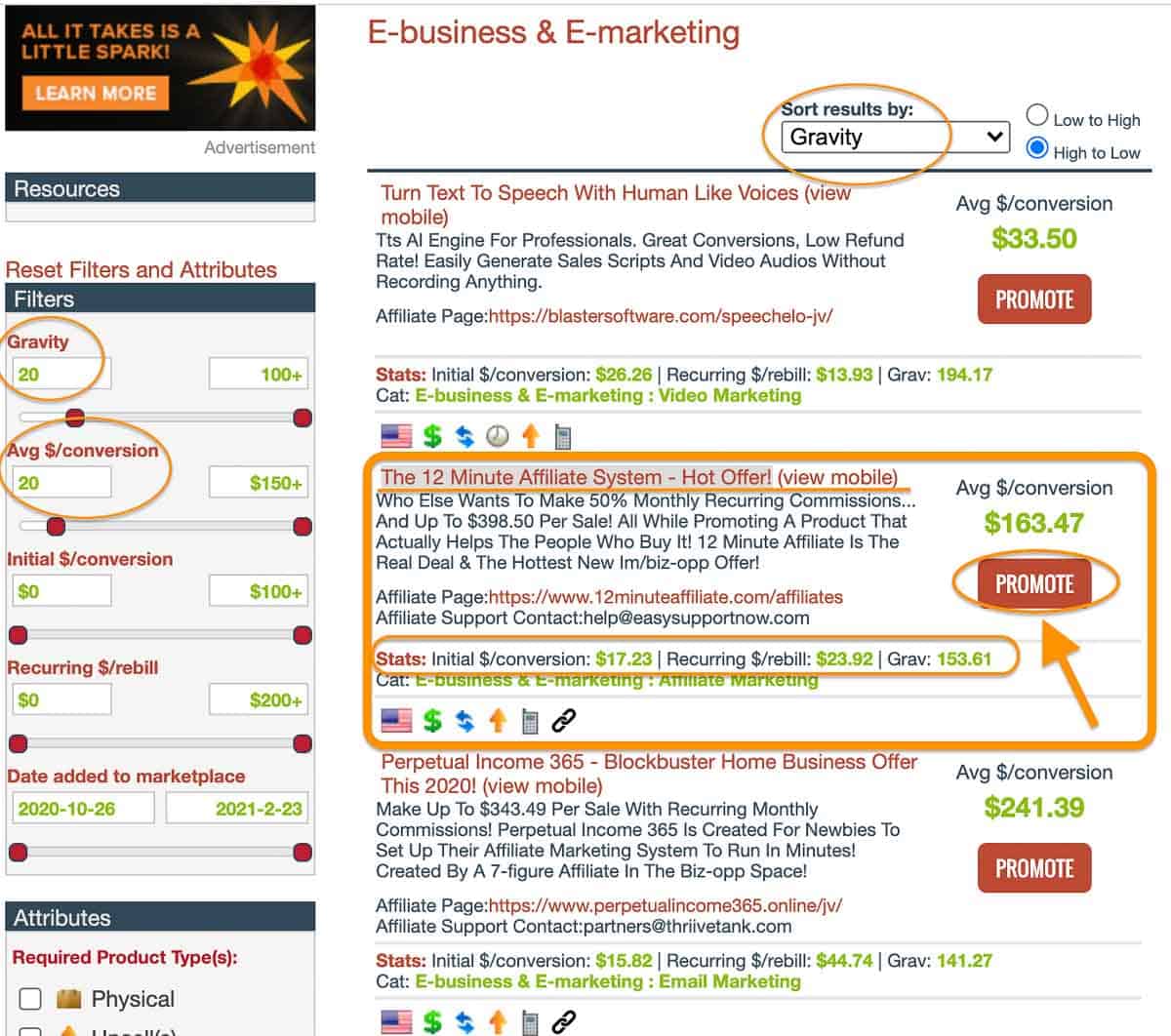
- A decent Gravity score. Gravity counts how many different affiliates earned a commission on the offer over the last 12 weeks, with recent sales weighing more. Above 20 means it’s selling, and ClickBank’s own blog calls 50 to 200 the sweet spot.
Now let’s turn that into filters:
Step #3. Filter the products with these values:
- Gravity: 20 to 100+
- Avg $/conversion: $20 to $150
- Sort the results by Gravity, from high to low.
Before you choose one, open the sales page and make sure it looks professional. The offer in this example starts at $17, and that’s a good sign. People don’t overthink a $17 purchase.
After that come the recurring bills and upsells, which is where the bigger commissions are. When you’re confident with the product, click on the “Promote” button.
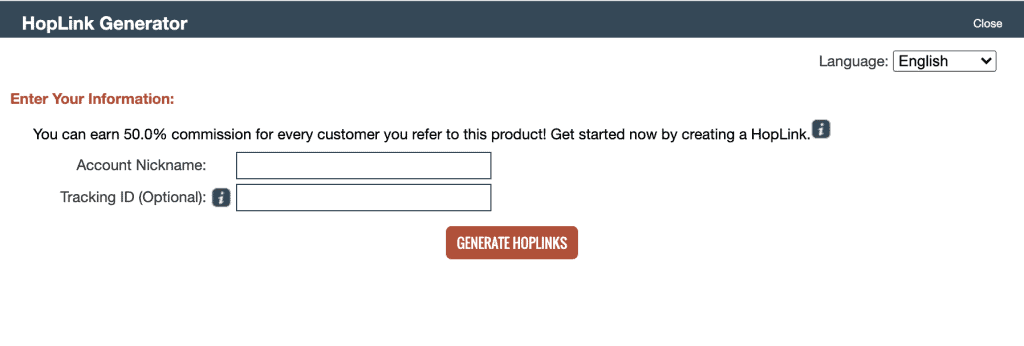
Step #4. Fill in the hoplink generator and click “Generate Hoplinks.” A HopLink is just ClickBank’s name for your tracking link.
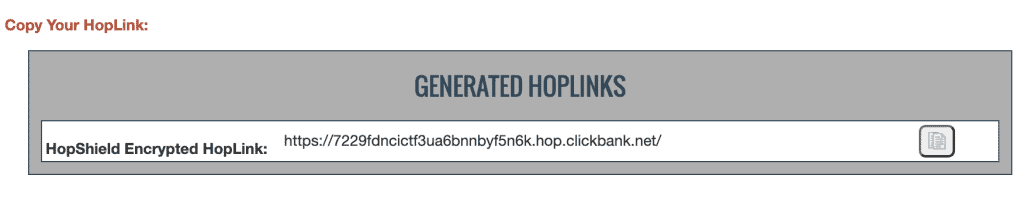
Step #5. Copy your affiliate link. Time to promote it!
You have a product and a link. So how do you get clicks without a website?
You might want to read:
How to Promote your Clickbank products without a website
How do you promote ClickBank products without a website? There are plenty of ways. This post on how to make money with affiliate marketing without a website covers 7 of them, and all of them work with ClickBank links.
Here I’ll focus on the 3 I think work best:
- Create pins and promote them on Pinterest.
- Use Medium to publish content with your links.
- Create a landing page and send traffic to it with Facebook ads.
Need more ideas? Here are 10+ free traffic sources you can use to send visitors to your links.
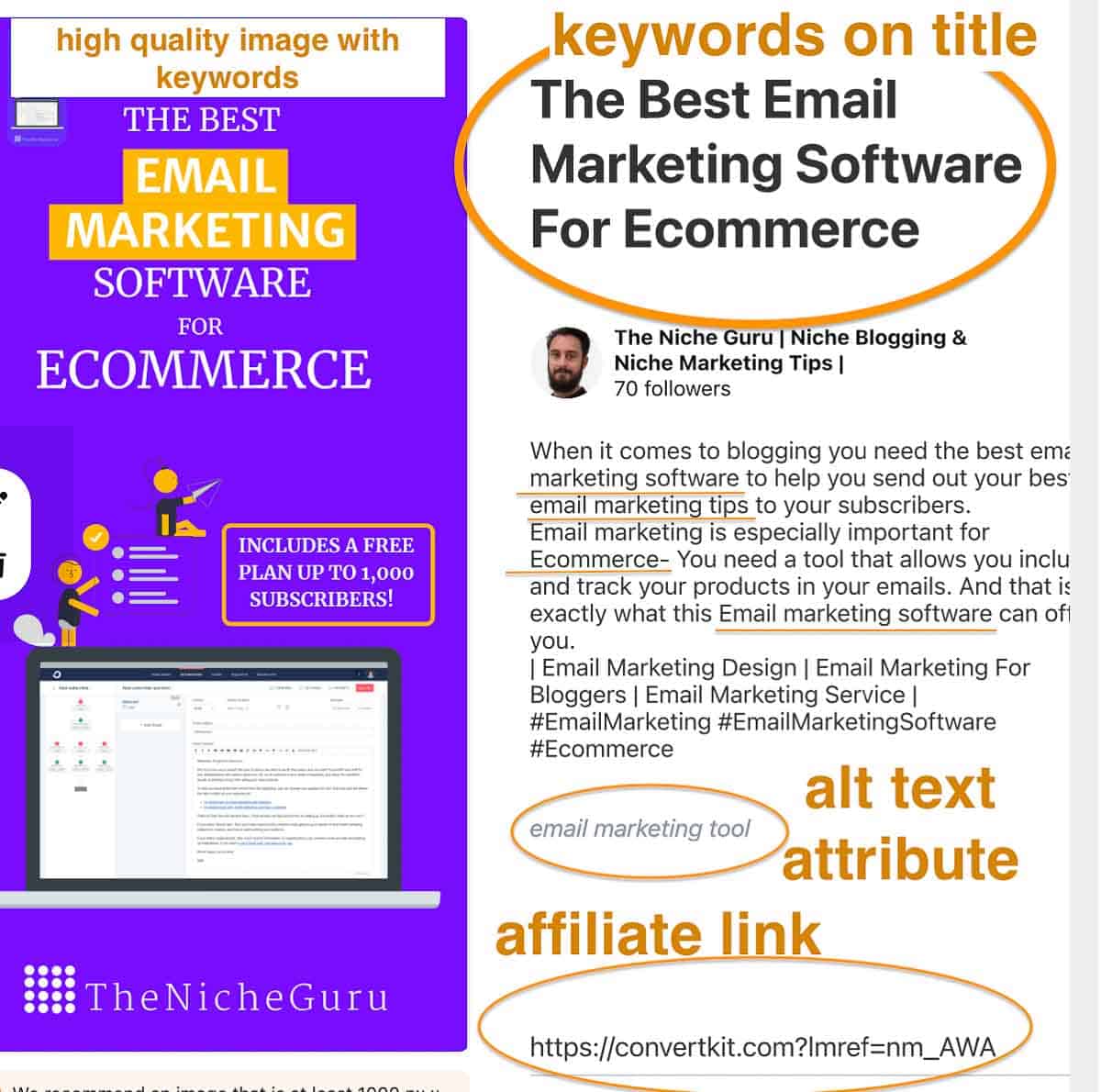
Pinterest is different from other social platforms: a good pin can drive organic traffic to your content for months.
On Facebook or Twitter, a post is old news after a few hours, if not minutes. On Pinterest, people find pins through search, so a pin keeps getting clicks long after you publish it.
Want faster results? Pinterest ads are fairly cheap and can send traffic straight to your affiliate landing page, which gives you more chances to sell.
I explain the whole process in this guide to Pinterest affiliate marketing: how to create pins with affiliate links step by step and how to set up ads for quicker results.
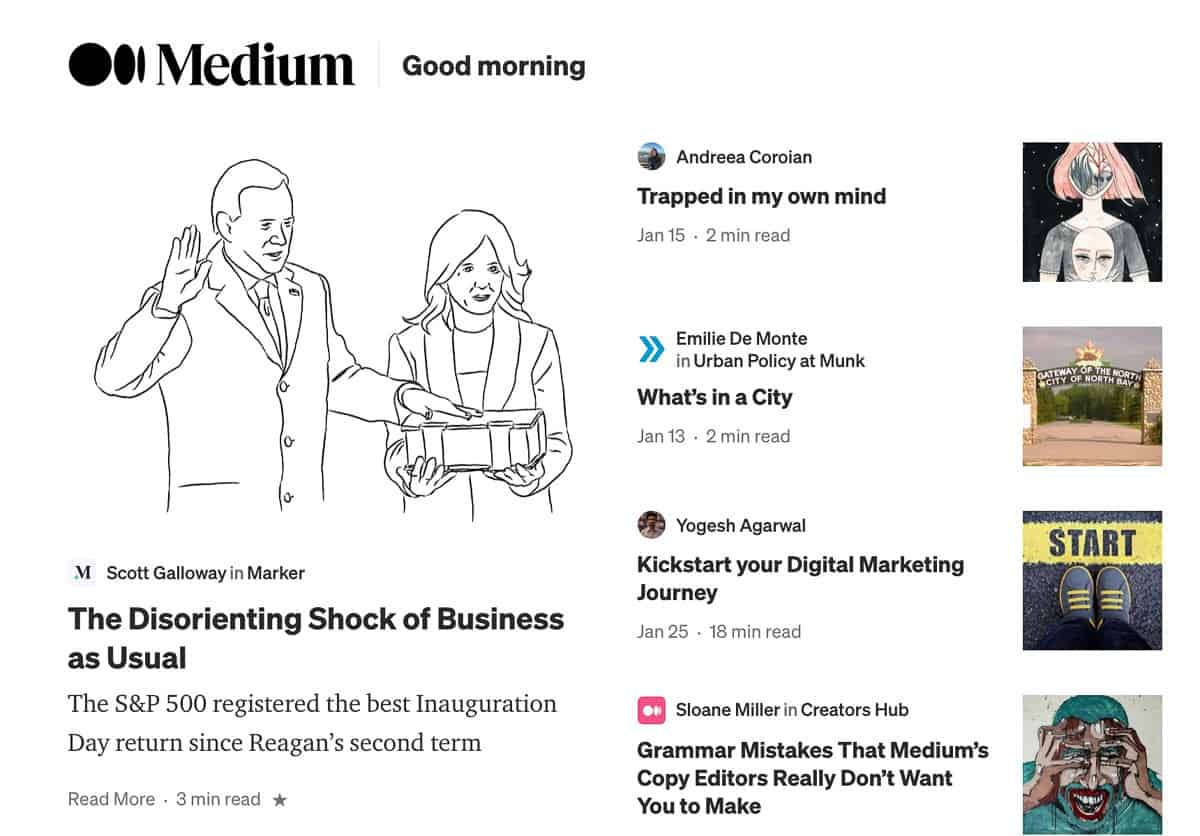
One of the easiest ways to start affiliate marketing if you don’t have a website is a content publishing platform. My pick is Medium, but you can also use Blogger.
Signing up is free. The big advantage is that these platforms already have readers, and an audience is the hardest thing to get when you start. Medium articles can also rank on Google’s first page and bring you extra traffic. And with the Medium partner program you can get paid for your articles too, so the same post can earn you a ClickBank commission and a Medium payout.
What kind of content you can write on Medium converts best? These formats work well:
- Tutorials.
- Product reviews.
- Product Comparisons.
Check this post for a step-by-step guide on how to write a post and publish it on Medium.
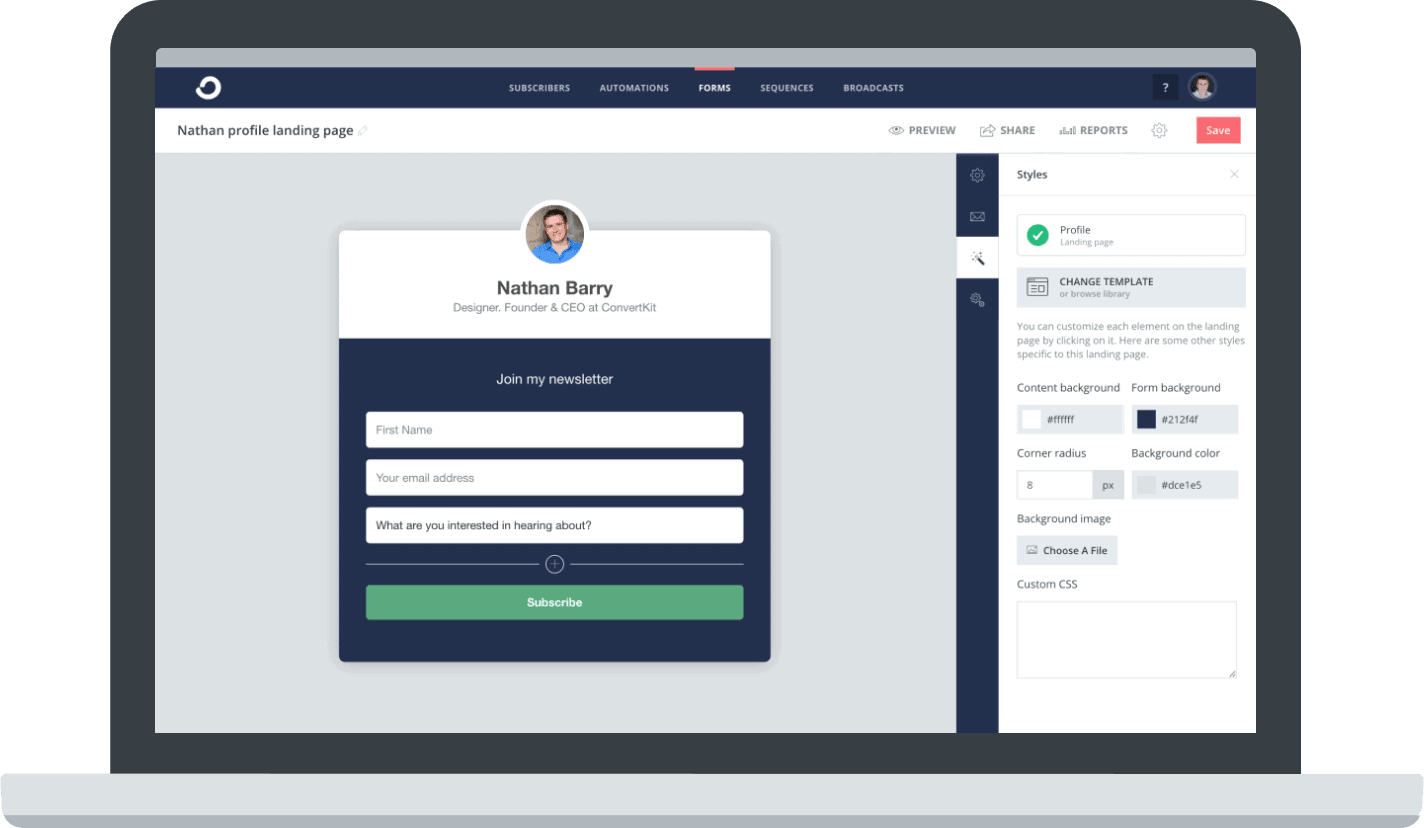
This is my favorite of the three, and I think it’s the one with the best return on what you spend.
Why do you need your own landing page? Ad platforms like Facebook and Google are strict with direct affiliate links, and ClickBank’s own beginner guide mentions setting up a bridge page for cold Facebook traffic.
The landing page also gets you the visitor’s email, and email marketing is important for any online business. Someone who clicks an ad once may never come back. Someone on your list gets your emails every week, and you can recommend the offer again (or a better one) without paying for that click twice.
For this method you need two things:
- An email marketing service, and
- A landing page
You can get both in Convertkit, which is now called Kit. I checked their pricing page in October 2026: the free plan covers up to 10,000 subscribers and includes unlimited landing pages and forms. Automations and email sequences need the paid Creator plan, and that’s where Kit’s marketing automation and segmentation really pay off.
Over the years I used Kit, Brevo, MailerLite and Mailchimp, and TNG runs on Brevo today. Before that, TNG ran on ConvertKit with Thrive forms, until in 2025 our API key stopped working without any notice and we lost sign-ups for months. Whatever tool you pick, send yourself a test sign-up every now and then.
You can start this method for free. You just need to create a free account in Convertkit!
Step#1. Go to Convertkit and sign up for free.
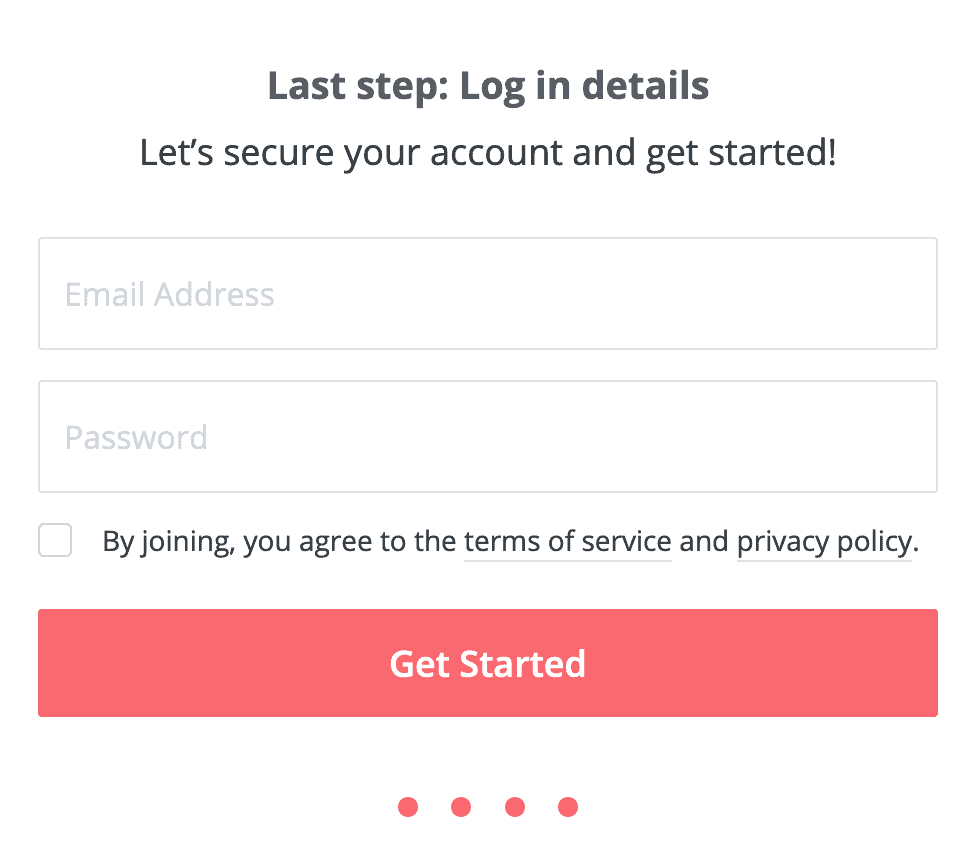
Step#2. Fill in your details and click on “Get Started.”
Step #3. Log in and click on “Landing Pages and Forms” in the top bar.

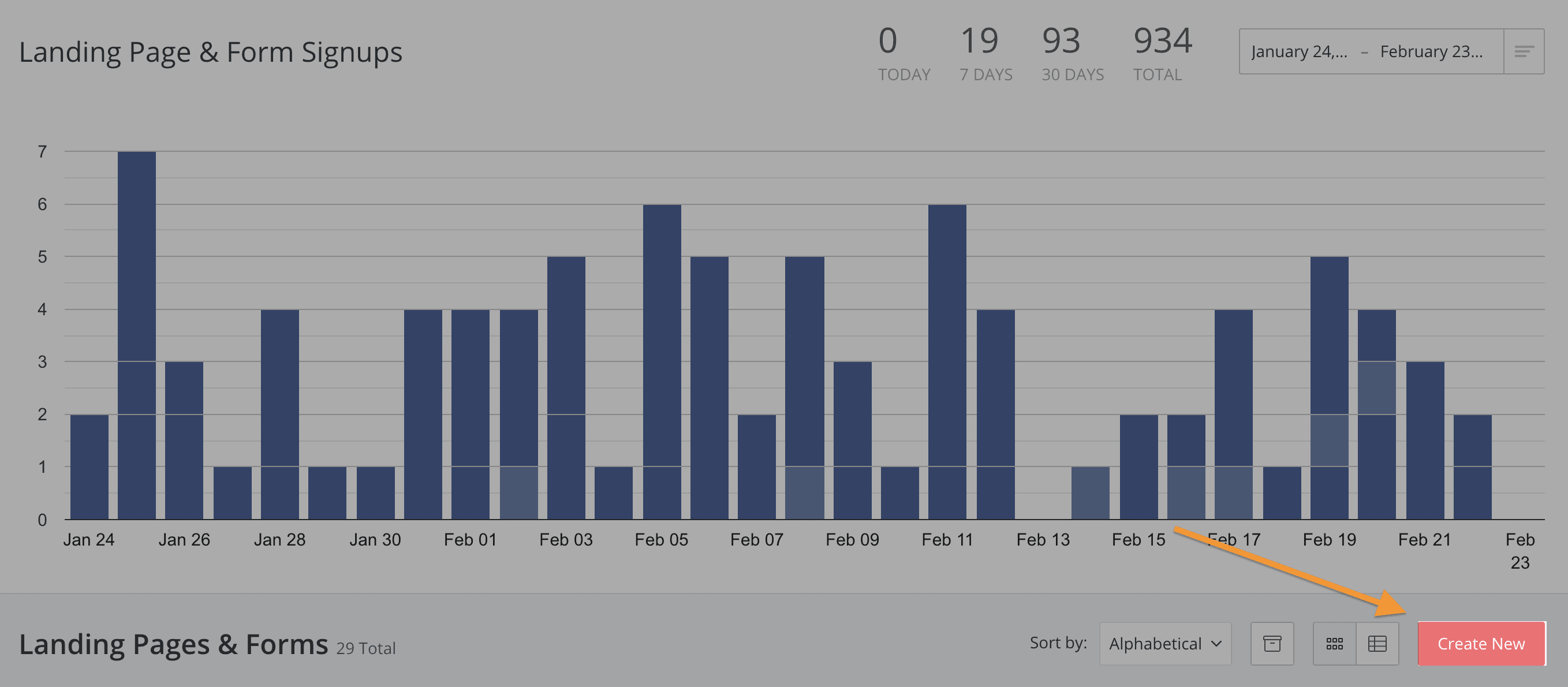
Step #4. Click the “Create New” button at the bottom of the page.
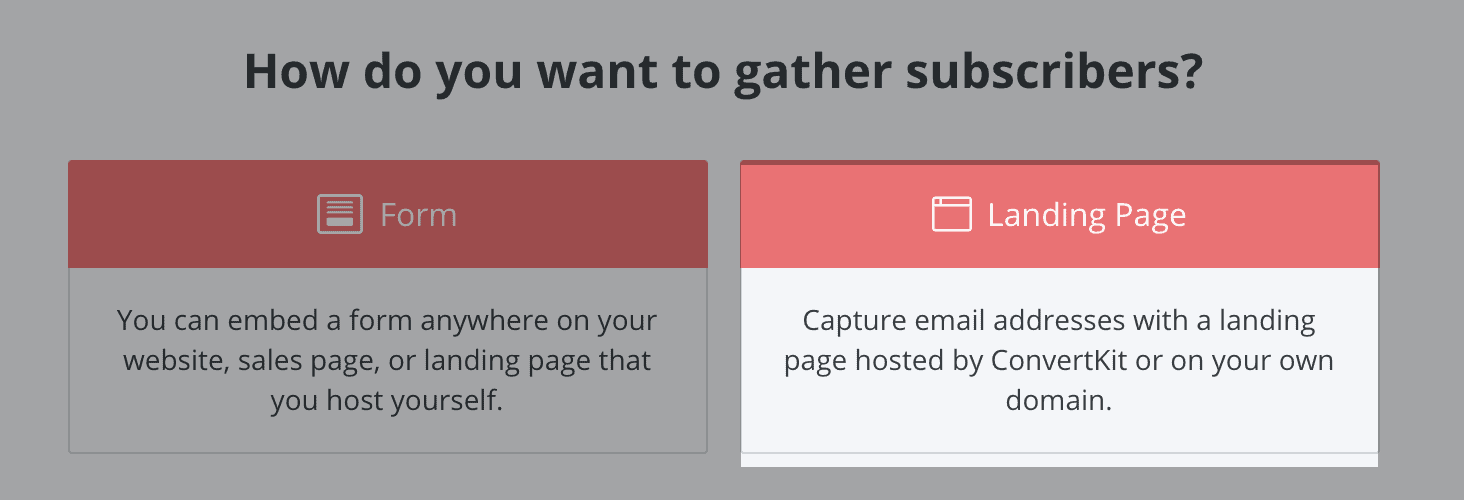
Step #5. Select “Landing Page.”
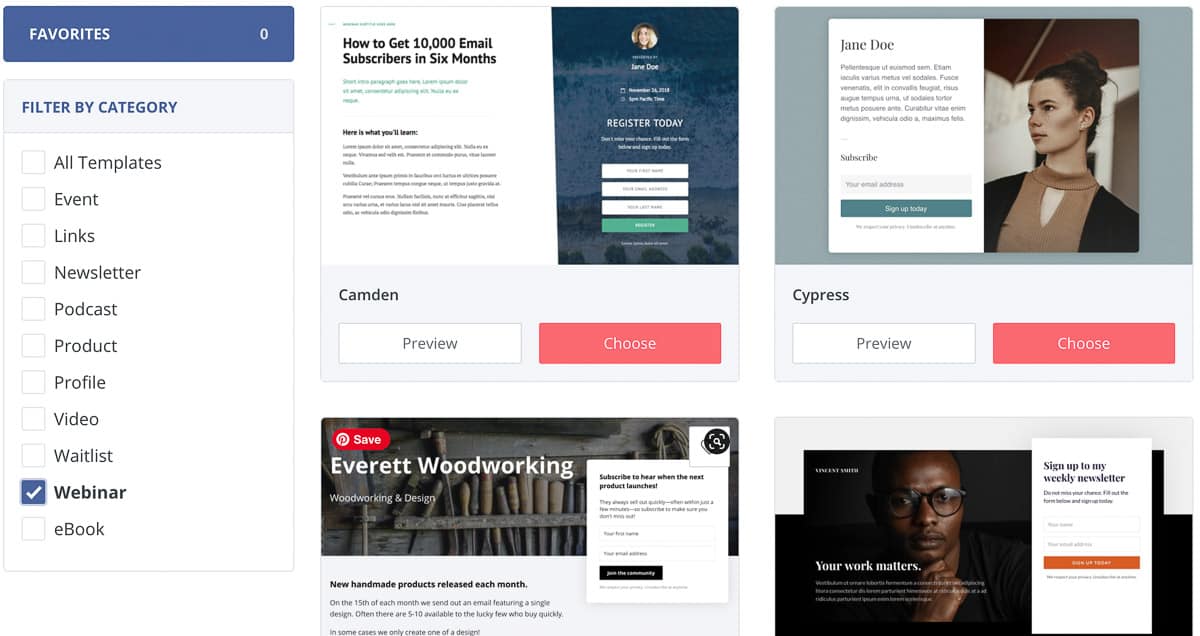
Step #6. Browse the templates and click “Choose” on the one you like. You can also filter them and click “Preview” first.
Step #7. Customize your landing page with the panel on the right (1). The top menu lets you change the settings and preview the form (2). When you’re happy with the design, click on “Save and Publish.”
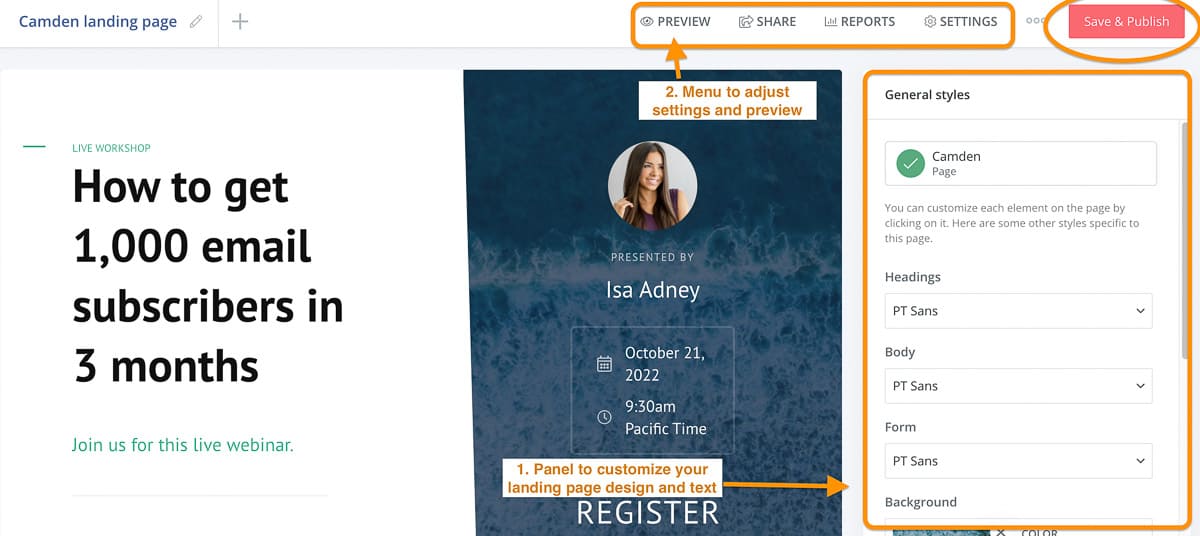
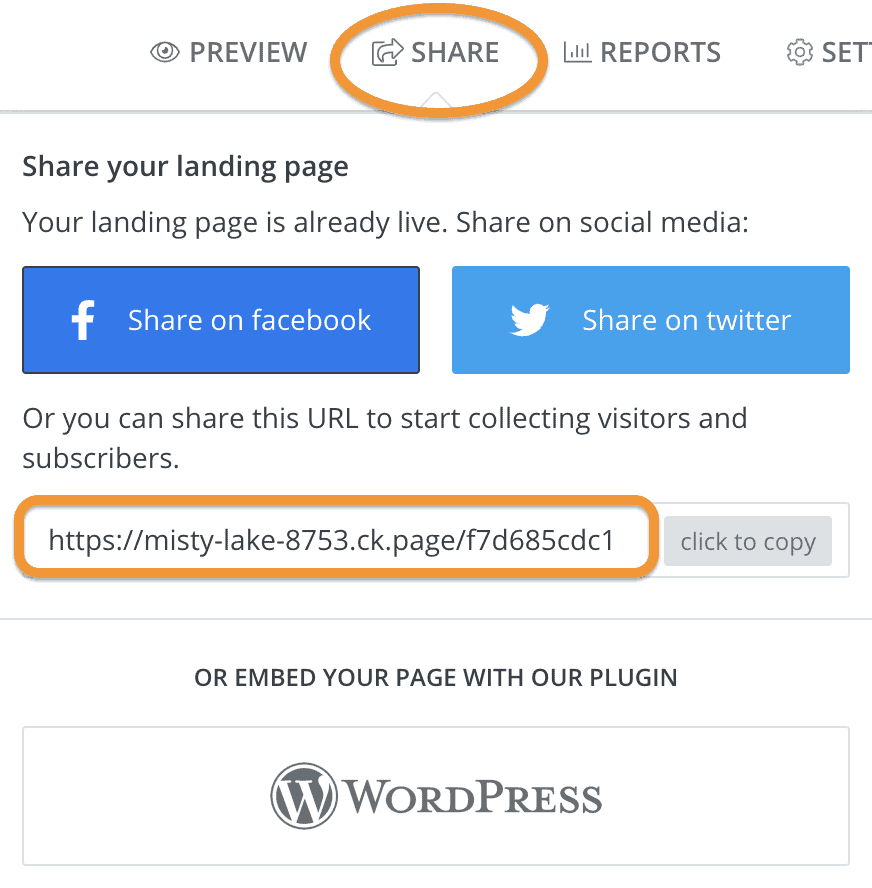
Step #8. Click “Share” in the top menu. Now you can post the landing page on your social networks or use its URL in a Google or Facebook ad.
This method works even better combined with the other two. Your pins and Medium posts can point to the landing page instead of the raw affiliate link. If you have a budget, paid ads are the fastest way to fill it.
Want to learn how to create a Facebook ad step by step? Check this post.
And if you’re not sure Kit is worth it, you can try it for free or read this Convertkit review first.
How to make money with ClickBank- Conclusion
So, can you really make money on ClickBank? Yes. The steps above show how to make money with ClickBank without a website, as long as you can get traffic. The account is free and the products and sales pages are already there. What ClickBank can’t do for you is bring people to your link.
Choose products with real demand and a sales page that converts. The rest is niche marketing: pick one channel and show up there every week.
Who shouldn’t try this? If you can’t spend a few hours a week on pins or posts and you have no money for ads, ClickBank won’t pay off. In that case I’d build a niche website, publish good content and join some good affiliate programs. It’s slower, but the traffic is yours.
Now it’s your turn!
Which of these methods will you try first to make money with Clickbank?
Tell me in the comments below.
FAQs