To create a landing page with AI, you describe the offer and the visitor in a prompt, let a builder generate a first draft, and then spend most of your time editing that draft: one goal, one button, a headline that matches the ad or search that brought people there, and proof that the offer works. The AI saves you the blank page. It does not decide what the page should say, and that part is still your job.
I build landing pages for two kinds of projects: my niche sites, where the page usually collects emails for a lead magnet, and the local businesses we work with at my SEO agency, where the only goal is a phone call, a WhatsApp message or a booked appointment. The steps below are the ones I follow in both cases, with the AI doing the first draft.
What a landing page is (and how it differs from a homepage)
A landing page is a single page built for one action. A homepage has to introduce the whole business, so it links to services, the blog, the about page and the contact form. A landing page removes almost all of that. The visitor arrived from one place (an ad, an email, a search result, a social post) with one question in mind, and the page answers that question and asks for one thing.
That is why the most common landing page mistake is turning it into a small homepage, with a full menu, three different offers and a footer full of links. Every extra link is a way out.
1. Write down the goal and the visitor before you open any tool
Before I touch a builder, I write three lines in a note:
- What the visitor wants when they land (for example, “a free checklist to pick a profitable niche”).
- What I want them to do (enter their email, call, book, buy).
- Where they come from and what they saw just before (the ad text, the email subject, the search query).
This note becomes the prompt. If you skip it, the AI fills the gaps with generic copy such as “Unlock your potential”, and you will spend more time deleting text than you saved.
2. Pick a builder that matches the job
You do not need the most powerful tool. You need one that publishes fast, works on mobile and connects to wherever the leads should go (your email tool, CRM or inbox). Roughly, the options fall into three groups:
| Type of tool | Good for | Watch out for |
|---|---|---|
| AI website and page builders | Generating a full page from a prompt and editing it visually | Copy that sounds the same as everyone else’s until you rewrite it |
| Dedicated landing page builders | A/B tests, form integrations, many campaign pages | Monthly cost if you only need one page |
| WordPress with a page builder | Sites you already run on WordPress | Slower setup and more plugins to maintain |
A few concrete examples from each group: Onepage, Durable and Framer generate a whole page from a prompt; Unbounce, Leadpages and Instapage are built for campaign pages and testing; Elementor does the job if your site is already on WordPress. If you work for European clients, Onepage is worth a look because it hosts in Germany and includes a CRM even on its free plan, plus a free forms tier of 100 responses a month, so form leads land somewhere without extra tools. I compare prices and limits in my list of the best AI website builders.
3. Write a prompt with real details
A useful prompt reads like a brief. Compare these two:
- Weak: “Create a landing page for my niche blog.”
- Useful: “Landing page for a free PDF called Niche Validation Checklist. Visitors are beginners who want to start a niche site and are afraid of picking a topic with no demand. Goal: email signup. Sections: headline, three things the checklist covers, a short note from me with my experience, the signup form, and two questions people usually ask. Tone: plain and direct, no hype.”
The second prompt gives the AI the offer, the audience, the fear, the goal and the structure. The draft you get back is much closer to something you can publish.
4. Edit the headline and the first screen by hand
The first screen decides whether people stay. On a phone, that is the headline, one or two lines under it and the button. I rewrite all three myself, every time.
The headline should repeat the promise the visitor already saw. If the ad said “Free checklist to validate your niche in 30 minutes”, the headline should say almost exactly that. When the words match, people know they are in the right place.
For the local businesses we work with, the first screen always includes a tap-to-call button and the area they serve. A plumber’s visitor wants to know two things in two seconds: do you cover my town and can I call you now.
5. Keep one goal and one button
Put the same call to action in two or three places on a long page, but make it the same action. “Get the checklist” at the top and “Get the checklist” at the bottom is fine. “Get the checklist”, “Read the blog” and “Follow us on Instagram” are three goals, and the page will do all three badly.
Hide the main menu if your builder lets you. Keep forms short: for a lead magnet, an email field is enough. Ask for a phone number only if you are going to call.
6. Add proof the visitor can check
AI drafts love invented testimonials and round numbers (“Trusted by 10,000+ marketers”). Delete them. Use only proof you can stand behind:
- Real reviews, with names if the customers agreed.
- Your own numbers, with the date and where they come from.
- Logos only of companies you actually worked with.
- A short note from you explaining why you made the offer.
A smaller real number beats a big fake one, and fake proof is the fastest way to lose a visitor’s trust.
7. Check it on a phone and measure the one action
Most visitors to a landing page arrive on mobile, so I preview every page on a real phone before publishing: is the button visible without scrolling, is the text readable, does the form keyboard open correctly?
Then make sure the action is tracked. If the goal is an email signup, count signups. If it is a call, count taps on the phone link. At my agency we track every click on a phone number, WhatsApp button, email link and booking link per page, because without that you cannot tell which page works and which one only gets visits.

8. Test one change at a time
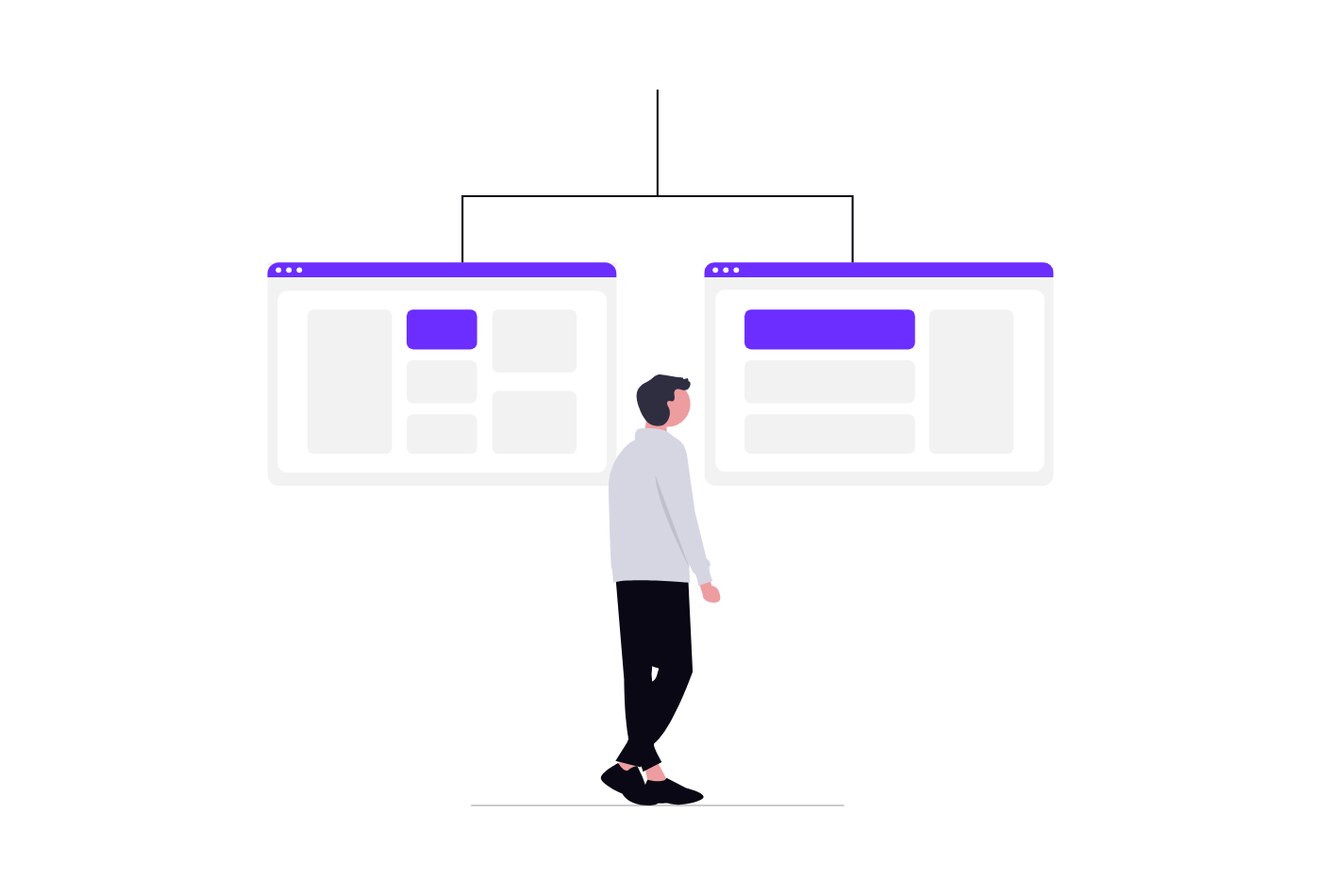
Once the page gets steady traffic, test one thing: the headline, the button text or the offer itself. Many builders have A/B testing built in, and some AI builders can generate the variant for you. Wait until each version has enough visits to compare, and change only one element per test, otherwise you will not know what made the difference.
If your page gets little traffic, skip formal tests. Show it to five people from your audience and ask them what the page offers and what they would do next. If they cannot answer in a few seconds, rewrite the first screen.
What makes a landing page high-converting
There is no magic layout. The pages I have seen convert best share a few traits: the headline matches where the visitor came from, the offer is specific, the page asks for one thing, the proof is real, and it loads fast on a phone. Design matters less than people think. A plain page with a clear offer usually beats a beautiful page with a vague one.
Common landing page mistakes
- Sending ad traffic to the homepage instead of a dedicated page.
- Leaving the AI’s generic headline and filler copy in place.
- Several calls to action that compete with each other.
- Long forms that ask for data you will never use.
- Fake or unverifiable testimonials and numbers.
- Not checking the page on a phone before launch.
- Not tracking the one action the page exists for.
If you plan to send people from the landing page into a sequence of pages (an offer, a checkout, an upsell), that is a funnel, and I compare the tools for that in my guide to the best no-code funnel builders. For building a whole site rather than a single page, see my list of the best AI website builders.
Landing page with AI: FAQ
Can I make a landing page for free?
Yes. Several builders have a free plan or a free trial that is enough to build and test one page, usually with their branding or a subdomain. WordPress is free software too, although you pay for hosting. For a page that will receive paid traffic, a custom domain is worth paying for.
Can ChatGPT build a landing page?
ChatGPT can write the copy and even the HTML for a simple page, but you still need somewhere to host it, a form that sends leads somewhere and a way to edit it later. For most people, an AI builder that generates the page and lets you edit it visually is faster than pasting code.